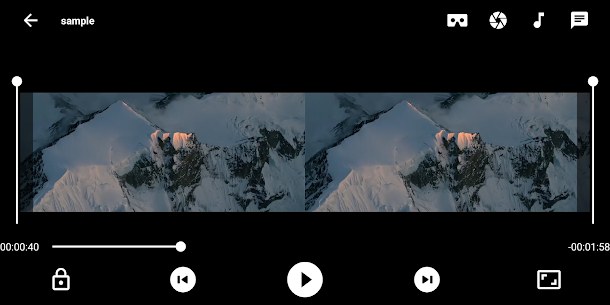
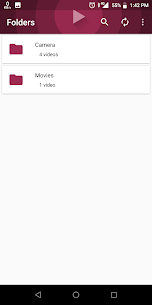
VR player – Virtual Reality app play videos in side by side (SBS) 3D format on mobile phones using VR box or cardboard. This is VR cinema app to watch your movies in cinema experience. This app play videos from phone storage, so you can watch all your saved videos in virtual reality mode. This is the ultimate virtual reality experience for mobile devices. This app has built in 4K, subtitle, dual audio, screenshot support and intuitive interface for best and easy video viewing experience.
VR Player – Virtual Reality
4.2
Download links
Wait 3s
How to install VR Player - Virtual Reality ?
1. Download the APK file.
2. Open the Approkk Appstore application and navigate to App Install tab.
3. Select the APK file in the file explorer to Install it.
4. Follow the steps that appear on the screen.
Description
Images