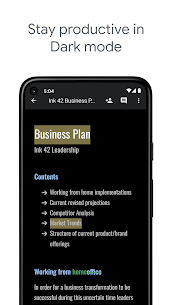
Create, edit and collaborate with others on documents from your Android phone or tablet with the Google Docs app. With Docs you can:
– Create new documents or edit existing files
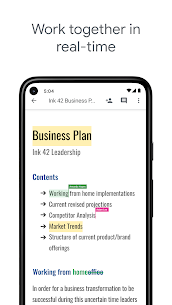
– Share documents and collaborate in the same document at the same time.
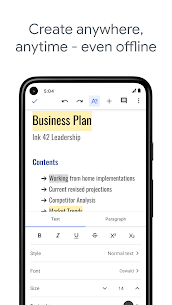
– Work anywhere, anytime – even offline
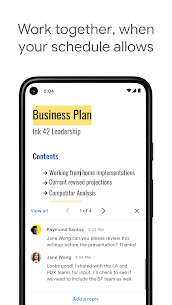
– Add and respond to comments.
– Never worry about losing your work – everything is saved automatically as you type.
– Research, right in Docs with Explore
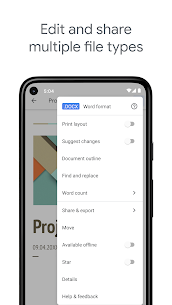
– Open, edit and save Word documents.
Permissions Notice
Contacts: This is used to give suggestions of people to add to files and share with.
Storage: This is used to save and open files on USB or SD storage.