MikroTik RouterOS is the operating system of RouterBOARD and CCR devices.
RouterOS provides all the core features for your network – routing, firewall, bandwidth management, wireless access point, backhaul link, hotspot gateway, VPN server and more.
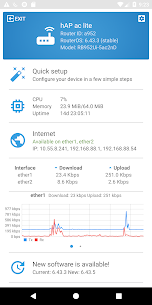
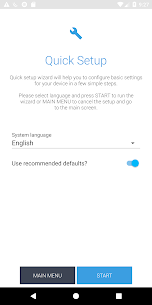
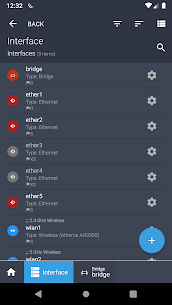
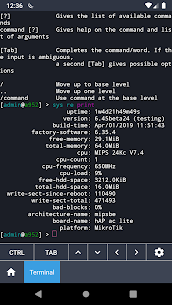
Use the MikroTik smartphone app to configure your router in the field, or to apply the most basic initial settings for your MikroTik home access point.
Default username on new routers: admin. There is usually no default password (leave empty).
Requirements: a MikroTik router running RouterOS v6 or newer.
Discussion forum: https://forum.mikrotik.com